
To register, go to: https://auction.sukiyakisong.com/wp-login.php?action=register
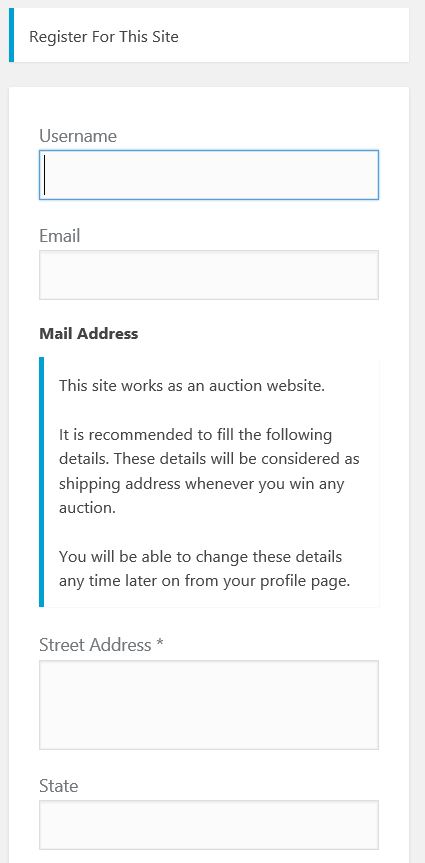
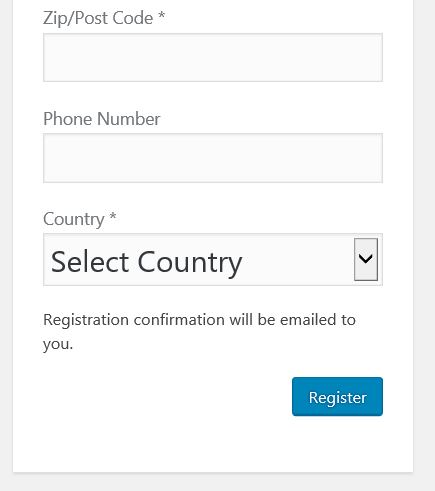
You will see a form similar to below. Create a user name and fill in your email and address, and select “Register”.
You will then see a form that tells you your registration is complete and to check your email. Do so.
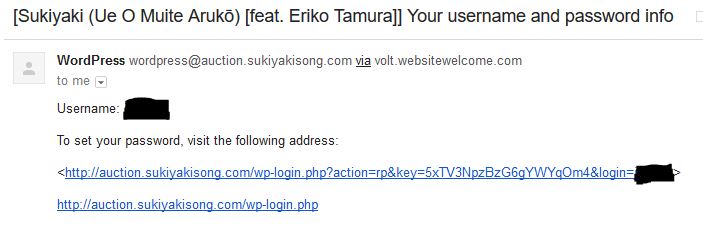
Emails can take as much as 5 or 10 minutes to receive. Your email will look like this and have a link it it. Click on the link.
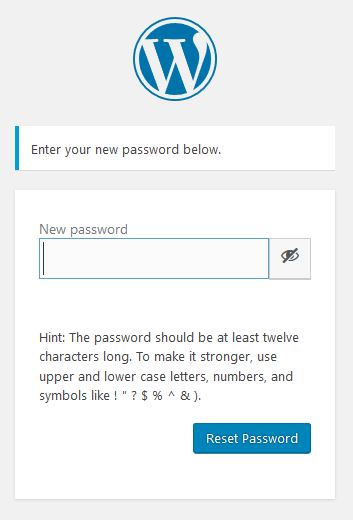
You will get a screen like below. Follow instructions to create password
After you successfully register, log in at: https://auction.sukiyakisong.com/wp-login.php?
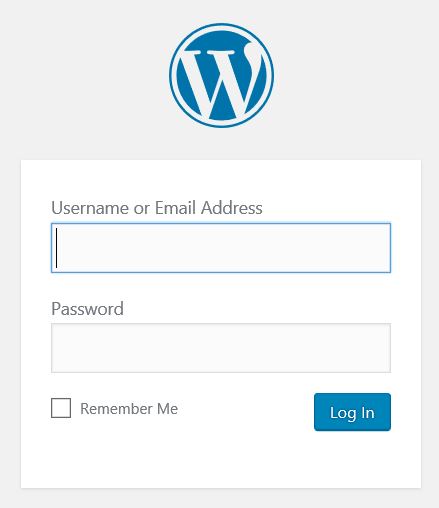
Put in your username (or email ) and password to login.
Now you will come into your user panel – you can fill in information now or later if you wish.
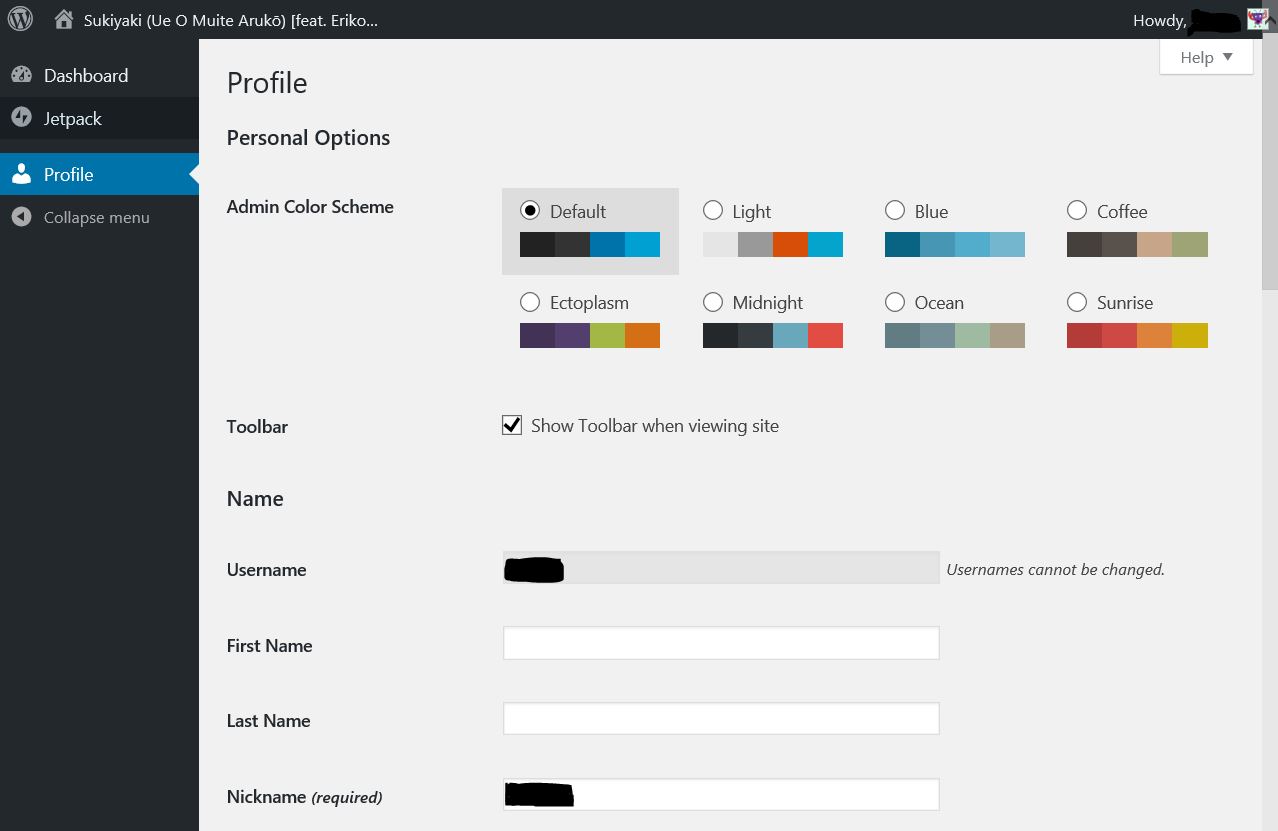
To go to auction and make bid, click on “Sukiyaki (Ue O Muite Aruko) [feat. Eriko Tamura]” in the left hand corner to go back to website.
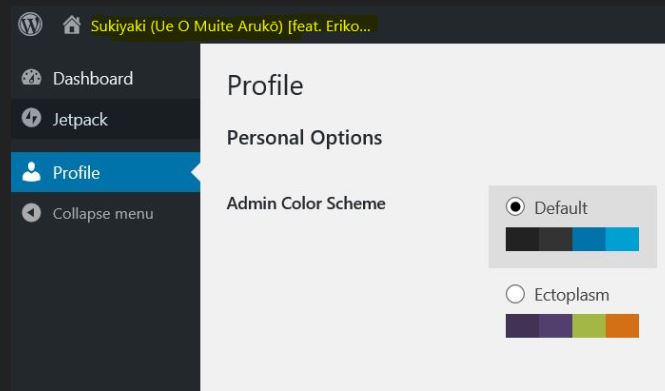
Once you are back on website, visit the auction page and now you can place you can place your bid.